
2.3 KiB
2.3 KiB
ROS_Simulation
机器人运动控制(圆形)及里程数据显示
一、创建环境
新建项目文件夹、工作空间、工具包
mkdir ros_Simulation
创建工作空间。
mkdir src
catkin_make
创建工具包。
cd src
catkin_create_pkg four_wheel_robot gazebo_ros geometry_msgs nav_msgs rospy sensor_msgs tf
cd four_wheel_robot
mkdir scripts
mkdir launch
mkdir urdf
二、编写程序
在 scripts 文件夹下放置编写的 python 程序
在 launch 文件夹下放置编写的 .launch 程序
在 urdf 文件夹下放置编写的 .xacro 程序
可参考程序文件路径 scripts
可参考程序文件路径 launch
可参考程序文件路径 urdf
三、编译工作空间
编译前需要配置工具包文件夹(four_wheel_robot)下的 CMakeLists.txt 和 package.xml 文件。具体可点击查看 CMakeLists.txt 和 package.xml
赋予文件可执行权限。终端要在 ROS_Simulation 文件夹下,或最好使用文件的完整路径。
chmod +x src/four_wheel_robot/scripts/final_circle_controller.py
编译工作空间。终端要在 ROS_Simulation 文件夹下。
catkin_make
四、运行程序
只需要开启一个终端运行 roslaunch 即可。
启动ROS程序。
注:在启动服务端程序前需要赋予环境变量(终端要在 ros_Simulation 文件夹下,或最好使用文件的完整路径),如何设置过全局环境变量可忽略 source 命令,仅执行 roslaunch 即可
source devel/setup.bash
roslaunch four_wheel_robot final_simulation.launch
五、结果

程序命令输入完成后会自动启动 Gazebo 界面,会出现小车按顺时针方向绕圆圈运动。
结果图

终端运行数据结果(roslaunch):
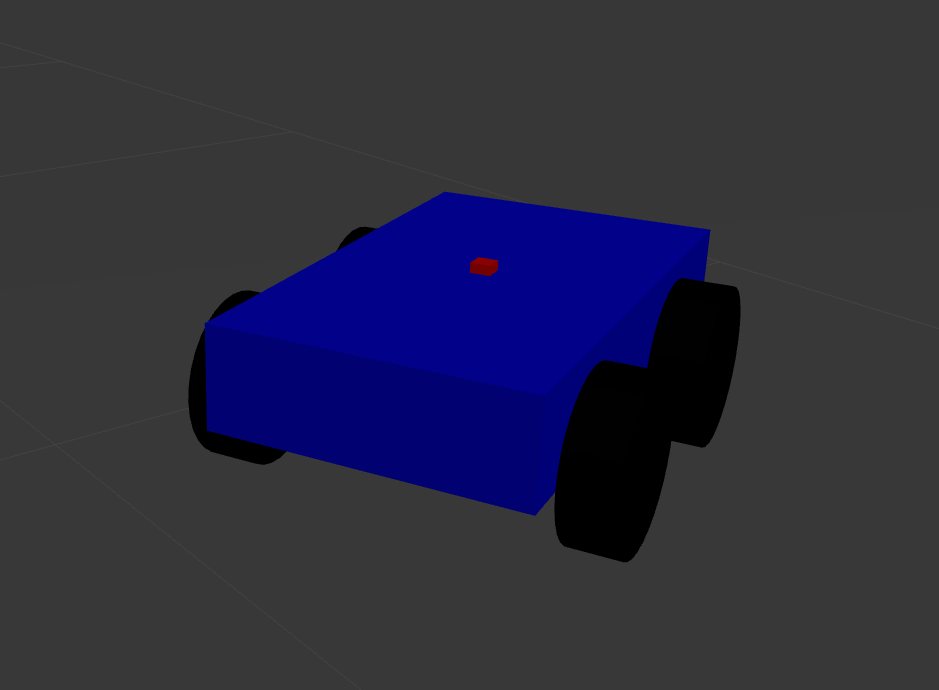
终端运行数据结果(小车模型):
终端运行数据结果(Gazebo):
小组成员
张豪、周云岳、刘慧娟、陈瑶、张梦南
(排名不分先后)